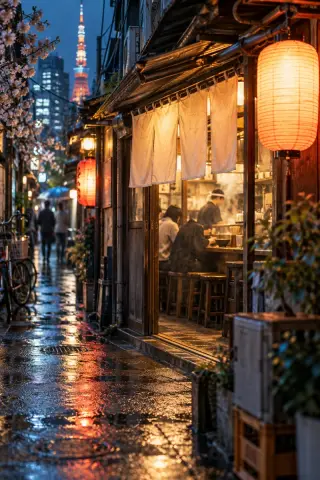
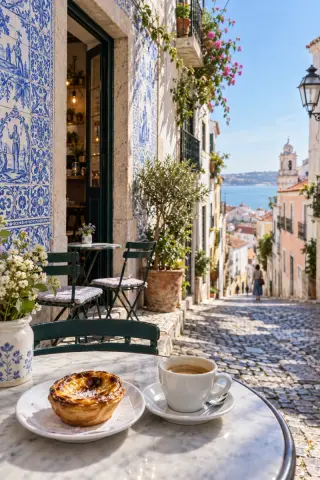
 0:31
3 hidden cafés in Lisbon
Instagram reel · saved just nowPlaces & travel3 places
1
Corner caféAlfama, LisbonWatch at 0:04
Directions2
Rooftop kioskGraça, LisbonWatch at 0:12
Directions3
Tile-shop bakeryMouraria, LisbonWatch at 0:23
DirectionsRooftops, cafés, hikes and the bakery with the long queue. Send the reel and every place in it gets a name, a pin and a Directions button.
What you get back
A reel with three cafés becomes three numbered places. Each one jumps to the moment it appears and opens in your maps app.
0:31How it helps
Search the city and every place you saved for it shows up, from every reel, not just the one you remember.
Open the map, see what you saved nearby and tap Directions. It opens in the maps app you already use.
Send them the place’s name or the original reel, straight from your library.
It names each place the reel shows or mentions, with the area it’s in. Directions searches your maps app for that name and area. When only the area is clear, the pin marks the area, not a venue.
Each one gets its own numbered row and pin, with a jump to the moment it appears in the video.
Yes. Add saves to a list, like “Lisbon trip”, and open them together.